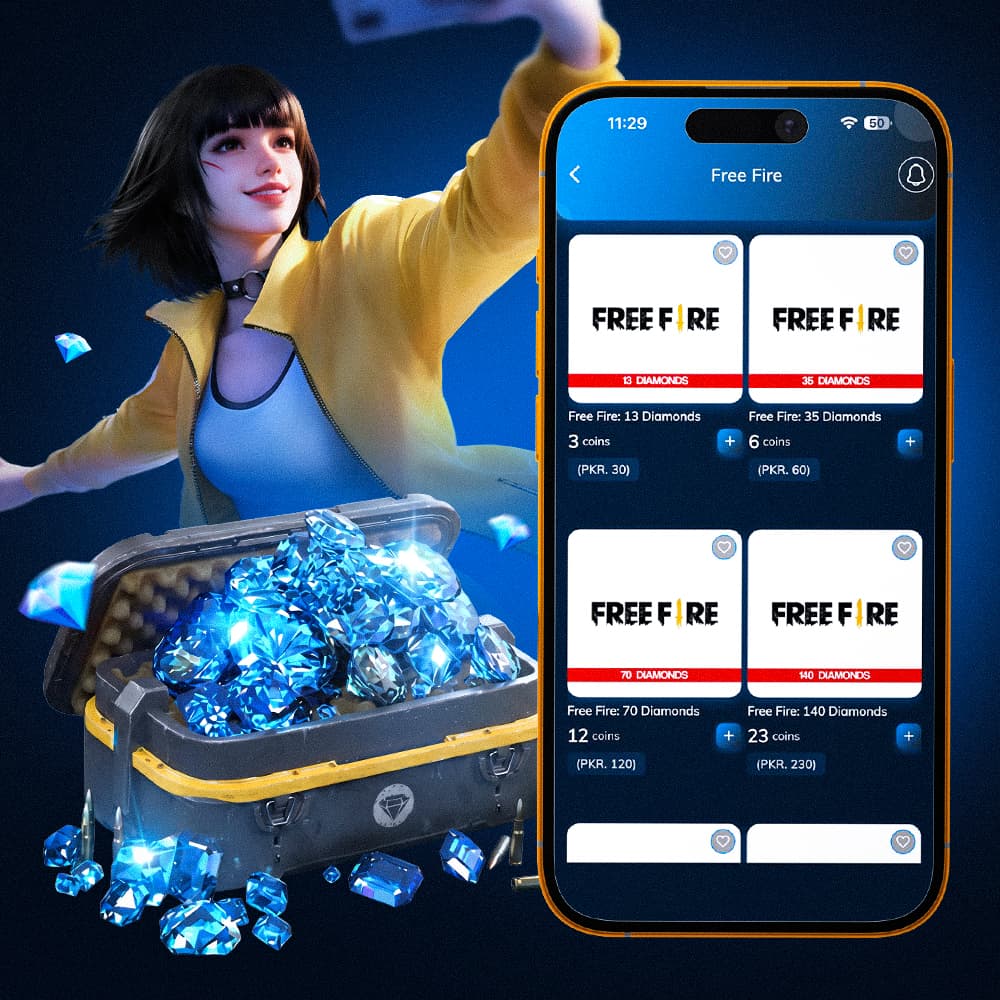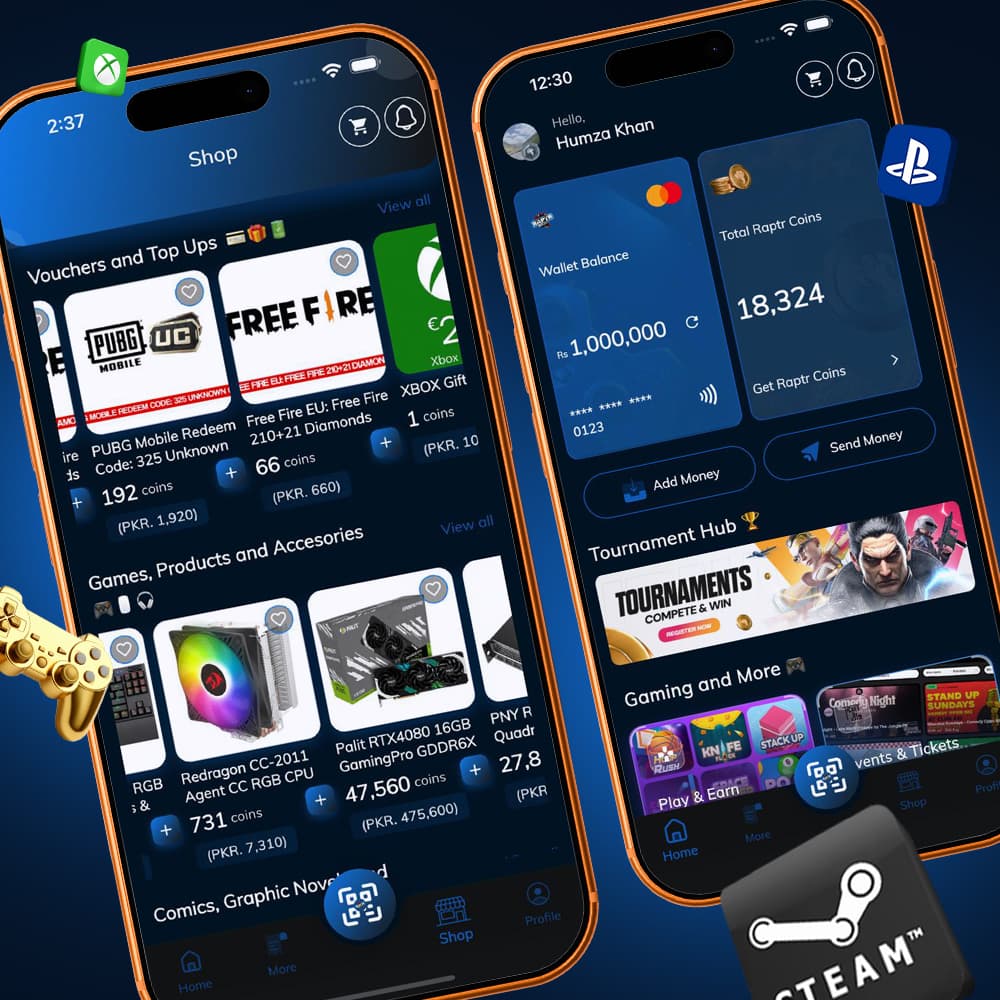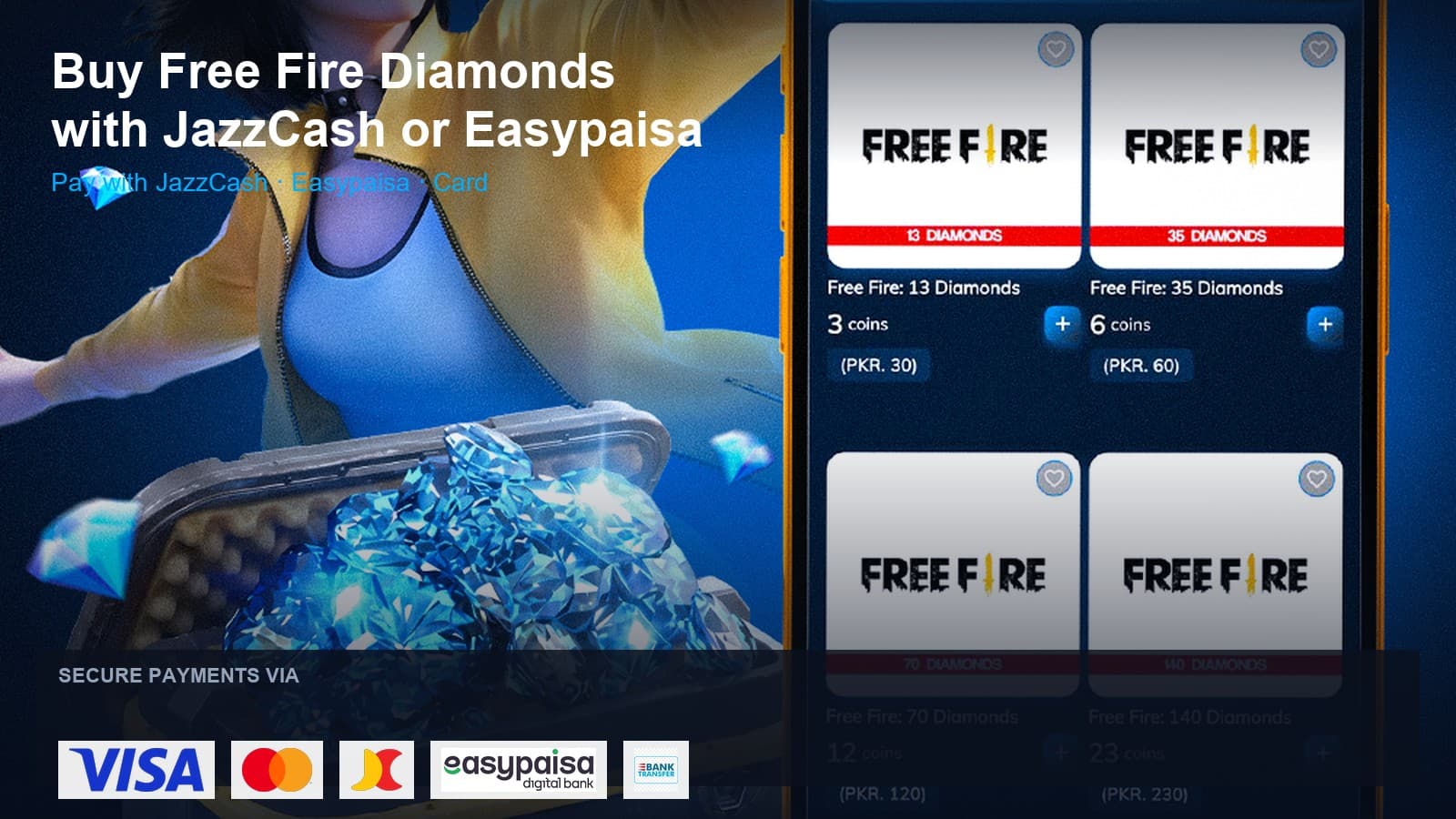
Buying PUBG UC in Pakistan is simplest when you can pay the way you already pay bills — JazzCash or Easypaisa — and redeem the code yourself.
This guide walks through the Raptr Store flow for PUBG UC in Pakistan. We never ask for your PUBG password.
1. Open the PUBG UC hub
Go to Buy PUBG UC in Pakistan (or browse Raptr Store) and pick the UC pack you want. Live packs show price in PKR.

2. Checkout with JazzCash or Easypaisa
Add the pack to cart and continue to payment. Choose JazzCash or Easypaisa (cards and Raptr Coins are also available). Complete checkout with your name and email, or sign in if you already have a Raptr Store account.
3. Get your voucher code
After payment succeeds, open your order details for the UC ePin / code. Keep it private — treat it like cash.
4. Redeem on Midasbuy
Open PUBG Mobile, copy your numeric Player ID from your profile avatar, go to midasbuy.com, choose PUBG Mobile, open Redeem, paste your Player ID, enter the UC code, then Submit.
Tips
- Prefer the official PUBG UC Pakistan hub so you see in-stock packs first.
- Wrong Player ID on Midasbuy will send UC to the wrong account — double-check before Submit.
- Raptr Store support can help with order issues; have your order ID ready.